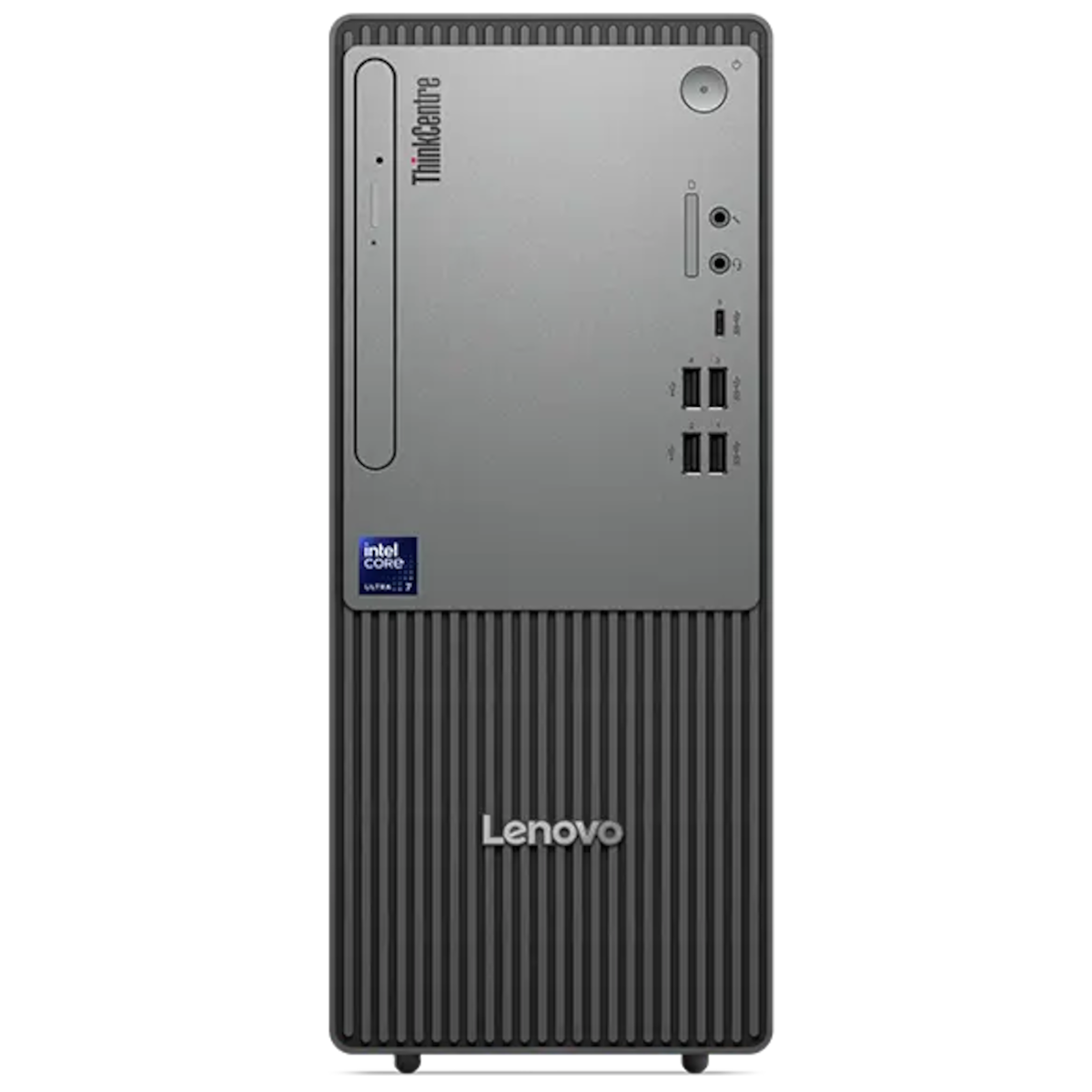
Tower and all-in-one computers for home and business. Genuine stock at Webline Store in Nairobi, with M-PESA checkout and delivery across Kenya.


A tower keeps the computer separate from the display, which can make it easier to reuse an existing monitor or change the screen later. An all-in-one combines the display and computer in one unit. Compare the desk space available and the upgrade options for the exact model rather than choosing by appearance alone.
Processor names are only part of the specification. Read the memory, storage, graphics, operating system and network connections. Confirm whether a monitor, keyboard and mouse are included; bundles and standalone towers can have similar names.
For example, the HP Pro Tower 290 G9 with Core i5-13500 has its own configuration page. Compare it with other HP desktops, Dell desktops and Lenovo desktops.
Check the computer's video outputs against your monitor. If you need battery backup, size a UPS for both the computer and any other equipment that must remain powered.